Most touch-typing guides are written as if you are a ten-year-old with unlimited free time. As an adult, you probably have twenty spare minutes a day and years of bad habits to unlearn. The good news is that when you learn touch typing as an adult, you often pick it up faster than children do, because you understand why the method works and you can practise with intent. This is a realistic 30-day plan built around short, focused sessions you can actually fit into a busy life.
Why it is easier to learn touch typing as an adult
You already know the alphabet, common words, and the general layout of a keyboard. What you are really doing is replacing one habit — looking down and hunting for keys — with touch typing: trusting your fingers to find the keys. This is really about building new muscle memory, so the switch feels awkward for the first week, then suddenly starts to click. The key is to protect accuracy early and let speed follow, rather than forcing speed and cementing mistakes.
Before you start, take a quick baseline test so you can measure progress. Note your starting WPM and accuracy on our typing test, then come back in 30 days.
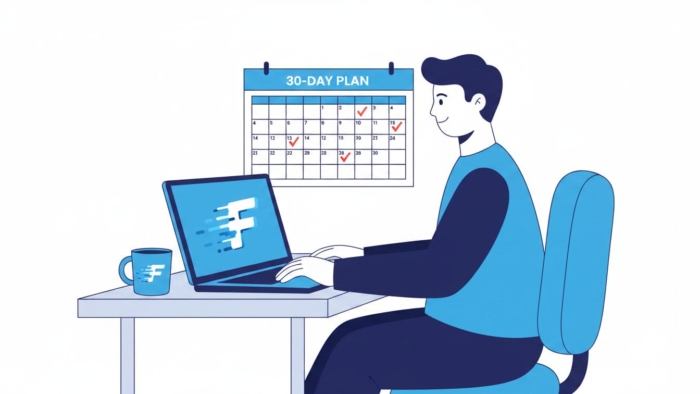
The 30-day touch typing plan
Aim for 15 to 20 minutes a day. Consistency beats marathon sessions — four short practices across a week will do more than one long one.
| Week | Focus | What to do |
|---|---|---|
| Week 1 | Home row mastery | Learn the home row (ASDF JKL;). Keep your fingers resting there and return to it after every key. Accuracy over speed. |
| Week 2 | Top & bottom rows | Add the top row (QWERTY) and bottom row (ZXCV). Practise reaching without moving your whole hand or looking down. |
| Week 3 | Words & common patterns | Type real words and short sentences. Focus on rhythm and smoothness rather than raw speed. |
| Week 4 | Speed & endurance | Push gently for speed with longer passages. Keep accuracy at 95%+ and build stamina for longer typing. |
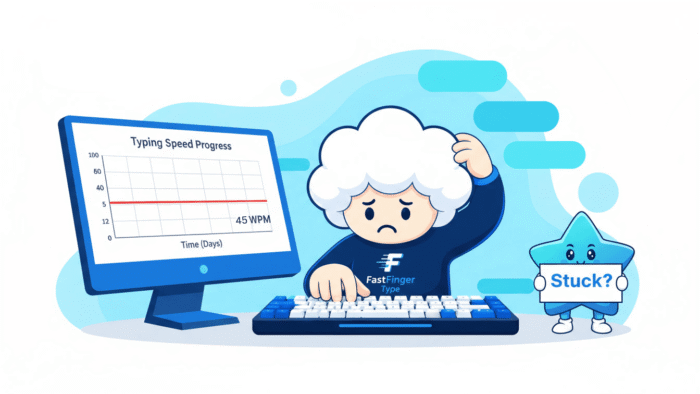
The numbers above are an example of how progress often looks, not a promise. Some people move faster, others slower — and there is usually a dip in week one when you stop looking at the keyboard. That dip is normal and temporary.
Five habits that make the plan work
- Never look down. Cover your hands with a cloth if you must. This is the single most important rule.
- Reset to the home row. After every word, let your fingers settle back on ASDF and JKL;.
- Slow down for accuracy. Speed is a side effect of accuracy, not the other way around.
- Practise daily, briefly. Fifteen focused minutes beats an occasional hour.
- Use structured lessons. Guided drills build the right muscle memory faster than random typing.
Following a structured path helps enormously. Our typing lessons walk you through the rows step by step, and you can check progress any time on the typing test. If you want your daily practice to feel less like homework, mix in a round of typing games.
Above all, be patient with the first week. If you can push through the initial awkwardness of not looking down, the rest of the plan gets easier every day. For a deeper look at that specific skill, see our guide on typing without looking at the keyboard.
Frequently asked questions
How long does it take an adult to learn touch typing?
Many adults reach comfortable touch typing within four to six weeks of short daily practice. Building real speed takes longer, but you can usually stop looking at the keyboard within the first couple of weeks.
Is it too late to learn touch typing as an adult?
Not at all. Adults often learn efficiently because they practise with purpose. Age is far less important than consistency and good habits.
How many minutes a day should I practise?
Fifteen to twenty focused minutes a day is plenty for steady progress. Short, regular sessions work better than occasional long ones.
Will my speed drop before it improves?
Often, yes. When you stop looking at the keyboard, your speed usually dips for a week or so before climbing past where it started. This is a normal part of the process.
Start today: take a baseline on the typing test, then begin Week 1 with our free typing lessons.